Burgundy Wedding Website Template - Editable Canva Website with RSVP
Burgundy Wedding Website Template - Editable Canva Website with RSVP
Couldn't load pickup availability
- Instant download
- Editable in free Canva
- Print it anywhere
✨ Your wedding details, beautifully brought together in one place.
Create a beautiful wedding website that gives your guests everything they need to know about your big day — from your love story and wedding timeline to RSVP, dress code, registry and FAQs.
This elegant Canva wedding website template features a romantic burgundy and ivory design with floral accents, luxury typography, and an envelope-style opening that makes your wedding website feel special from the very first click.
And the best part? You can customize it yourself — no coding or website-building experience required. 🤍
💍 EVERYTHING YOUR GUESTS NEED
✨ Interactive envelope-style opening
Give your guests a beautiful first impression with a click-to-open envelope design.
🏠 Wedding homepage
Create a central home page with navigation and a countdown to your big day.
💕 Our love story
Share your story with your favorite photos and personal memories.
📅 Wedding details
Add your ceremony and reception information, venues, times and other important details.
⏰ Wedding timeline
Help your guests know exactly what to expect throughout your celebration.
💌 RSVP
Connect your own Google Form so guests can easily RSVP and provide details such as attendance and dietary requirements.
🎁 Gift registry
Add links to your wedding registry so everything your guests need is easy to find.
👗 Dress code
Share your dress code and help guests know exactly what to wear.
❓ FAQ
Answer common questions about parking, children, plus-ones, gifts, transportation and more.
📱 BEAUTIFUL ON MOBILE & DESKTOP
Your wedding website is designed to look beautiful across devices, making it easy for your guests to access your wedding details from their phone, tablet or computer.
🎁 BONUS INCLUDED — RSVP SETUP
You'll also receive:
• A matching custom RSVP banner
• Step-by-step RSVP setup guide
• Google Forms setup guidance
🎨 COMPLETELY EDITABLE IN CANVA
Customize your website with:
• Your names
• Wedding date
• Photos
• Love story
• Wedding venues
• Schedule
• Text
• Colors
• Fonts
• RSVP links
• Registry links
• Other website details
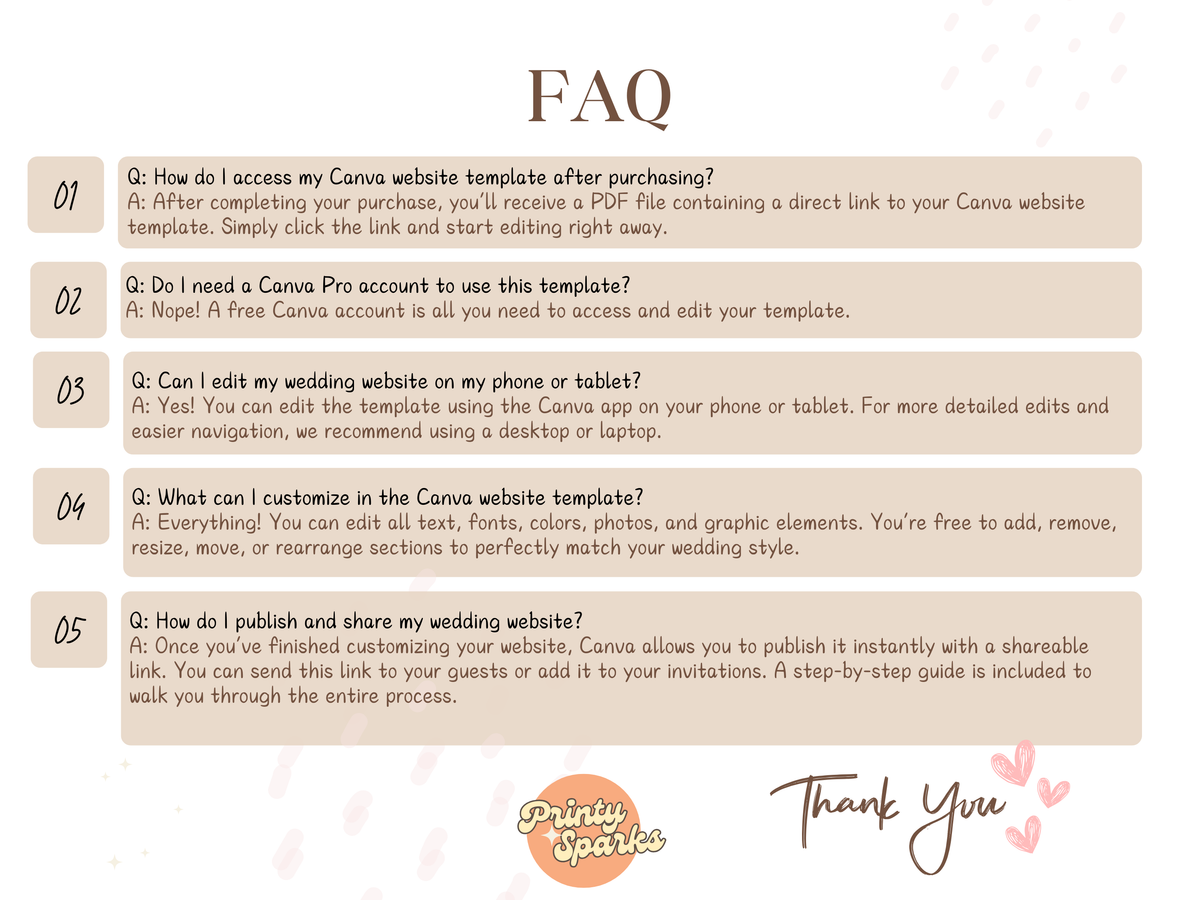
A free Canva account is enough — Canva Pro is not required.
You can edit the template on desktop, tablet or phone.
💻 HOW IT WORKS
01 — Purchase the template
You'll receive a PDF containing your Canva access link and instructions.
02 — Open it in Canva
Use your free Canva account to access the template.
03 — Personalize your website
Add your photos, names, wedding details, story, links and other information.
04 — Publish & share
Publish your finished Canva website and share it with your guests using its link or a QR code.
💍 PERFECT FOR
• Modern weddings
• Elegant weddings
• Burgundy weddings
• Romantic weddings
• Destination weddings
• Couples looking for an affordable wedding website
• Couples who want to manage their own wedding website
• Sharing wedding details through WhatsApp, email or text
🤍 A BEAUTIFUL HOME FOR YOUR WEDDING DETAILS
Instead of sending your guests a dozen different messages with different pieces of information, give them one beautiful place where everything lives.
Your story. Your details. Your RSVP. Your plans.
All in one place — designed by you.
PLEASE NOTE
This is a digital product. No physical item will be shipped.
You will receive a PDF containing the instructions and access to the editable Canva website template.
A free Canva account is sufficient to edit the template.
Photos shown in the design are for demonstration purposes only.
The template is for personal use.
What you get
What you get
A digital download with your Canva template link inside — yours the moment you check out. Nothing is shipped.
Your copy lives in your own Canva account, so you can come back and edit it whenever you like.
Editing it
Editing it
A free Canva account is all you need — no design software, no subscription. Swap in your own photos, change names, dates, colours and headlines, and delete any pages you don't want.
Printing
Printing
When you're happy with it, download your design from Canva as a print-ready PDF and use whichever printer you like — Canva Print, Mixam, or your local print shop. They don't need a Canva account to print it.
Share